Giving you presentation confidence with our AI-powered script coach
Worried Presenter listens to you present your work, then gives you back a confident, story-driven script with feedback — and tells you exactly how to improve.
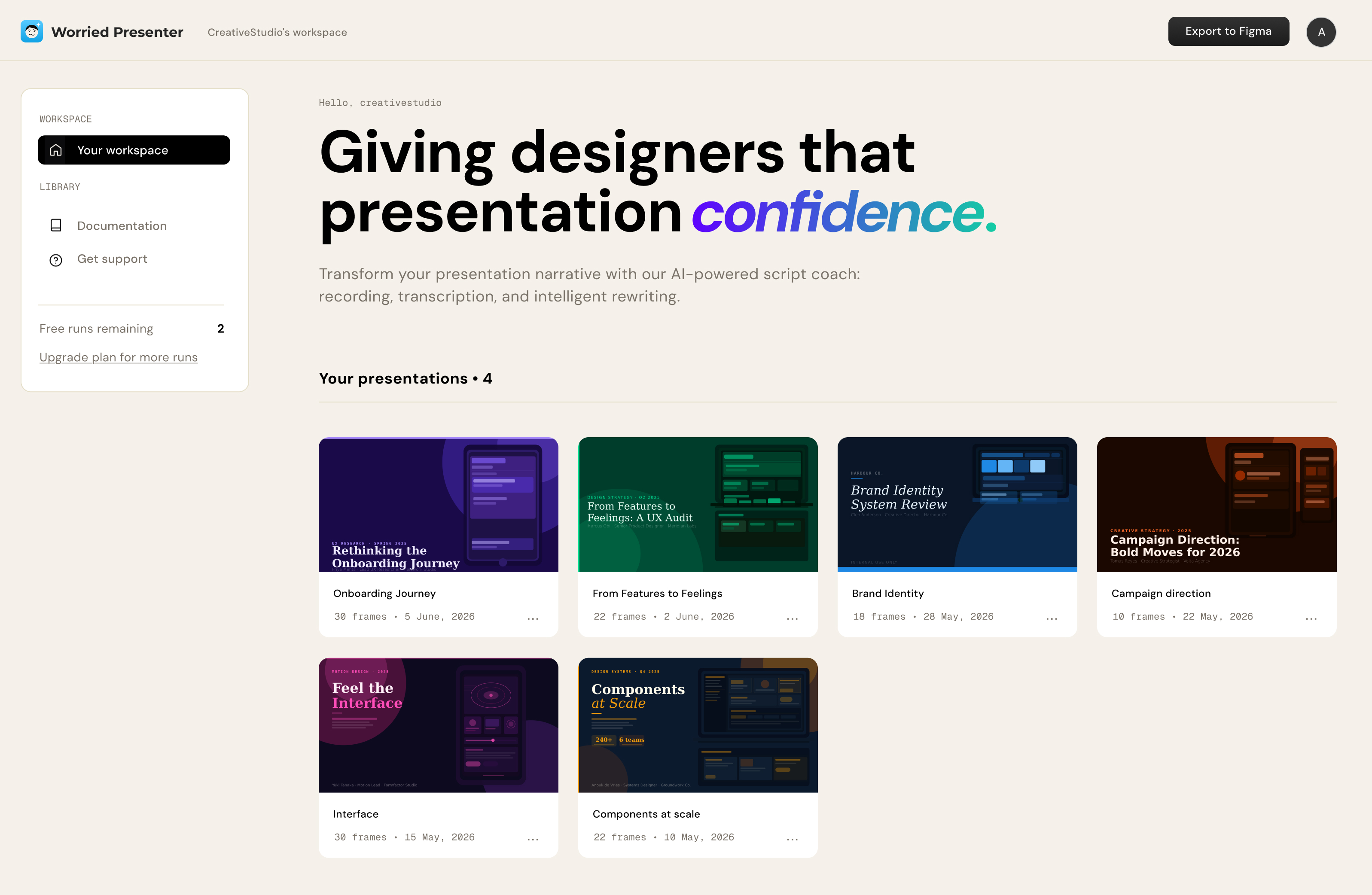
The best presentations
tell a story.
There's a difference between walking someone through your process and making them feel the journey. Worried Presenter helps you find your story — the challenges, the pivots, the moment it all clicked — and say it with confidence.
Just talk.
We'll handle the rest.
Record yourself presenting your Figma file. Worried Presenter transcribes your voice, maps it to your artboards, and rewrites it as a compelling, audience-ready script — structured around your actual slides. Giving you the ability to edit yourself and then try recording another run.
No more waffling. No more "so yeah, um, here's the design."
Install the plugin →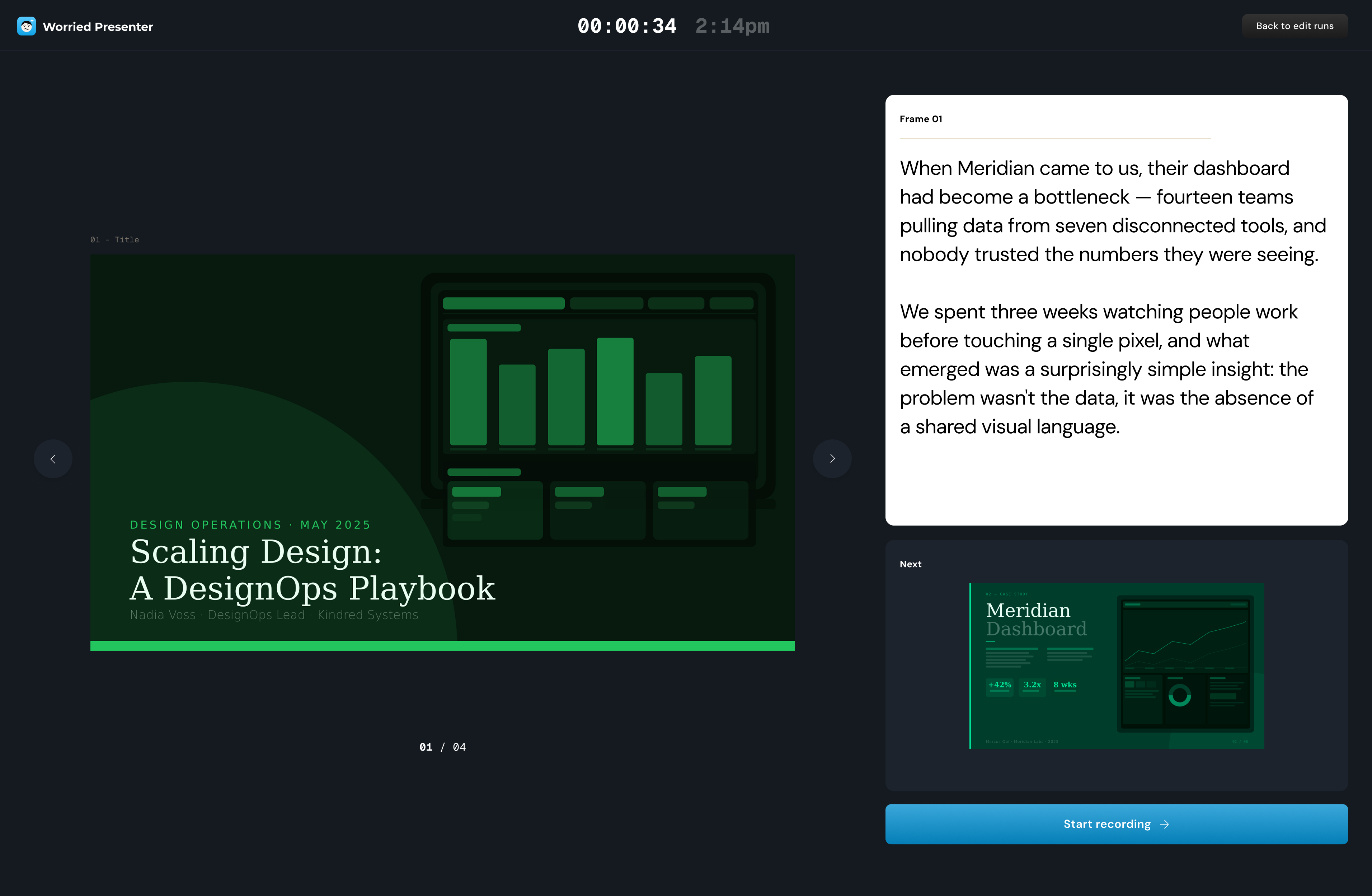
Coaching that meets you where you are.
Whether you're presenting for the first time or just need a final polish, Worried Presenter reads your delivery and gives you honest, calibrated feedback.
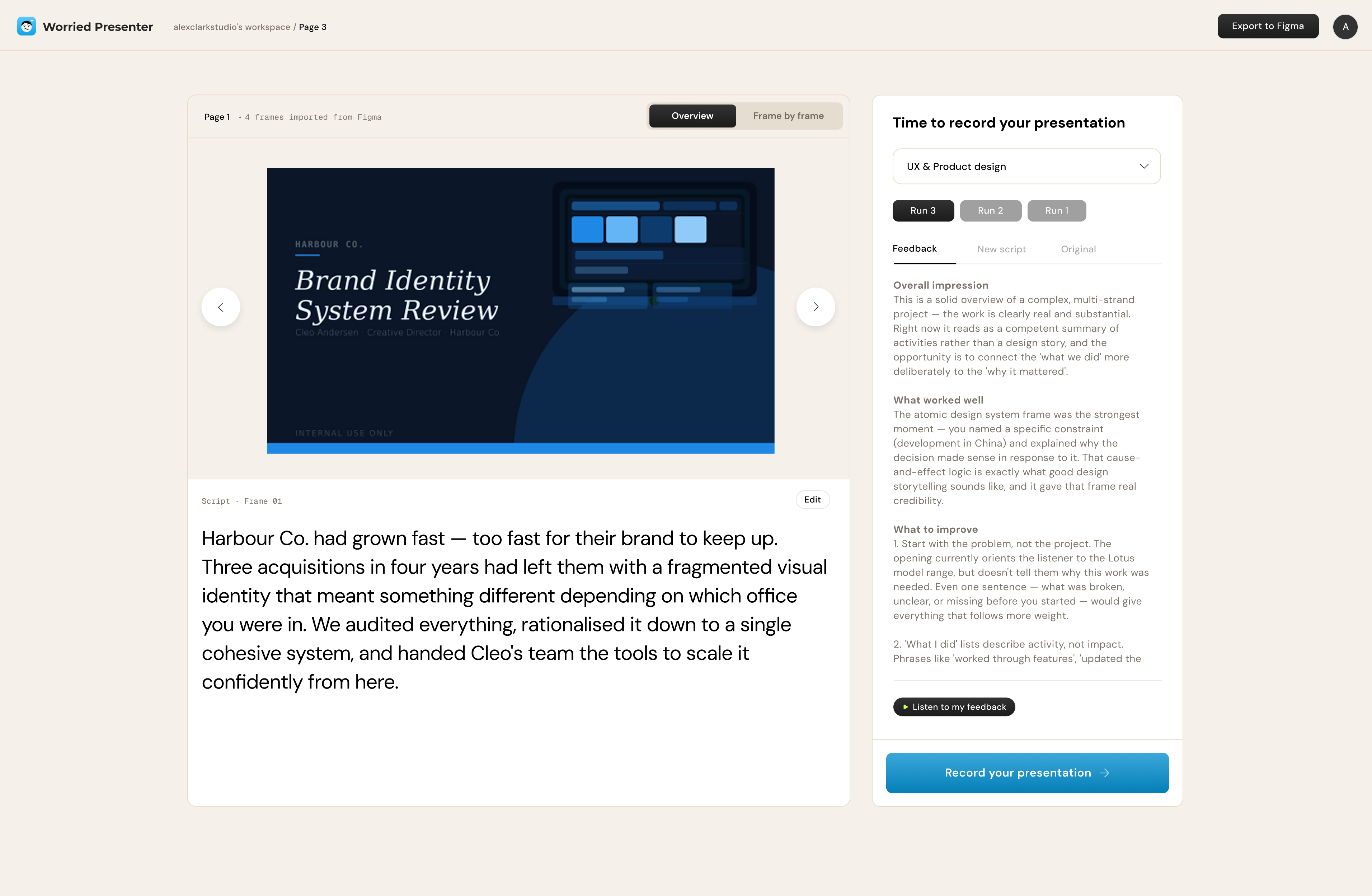
Get better with every run.
Great presentations aren't written once. Worried Presenter gives you a script, you revise and re-record, and it coaches you again. Watch yourself improve by adding 'Runs'. Each loop builds the confidence to present work you're proud of.
Three steps.
One better presentation.
1. Select your artboards
Choose the frames you want to present. Export to our app. Worried Presenter reads the content of each one so the AI understands your work.
2. Record your voice
Just talk through your design naturally. Don't worry about being polished — that's what we're here for.
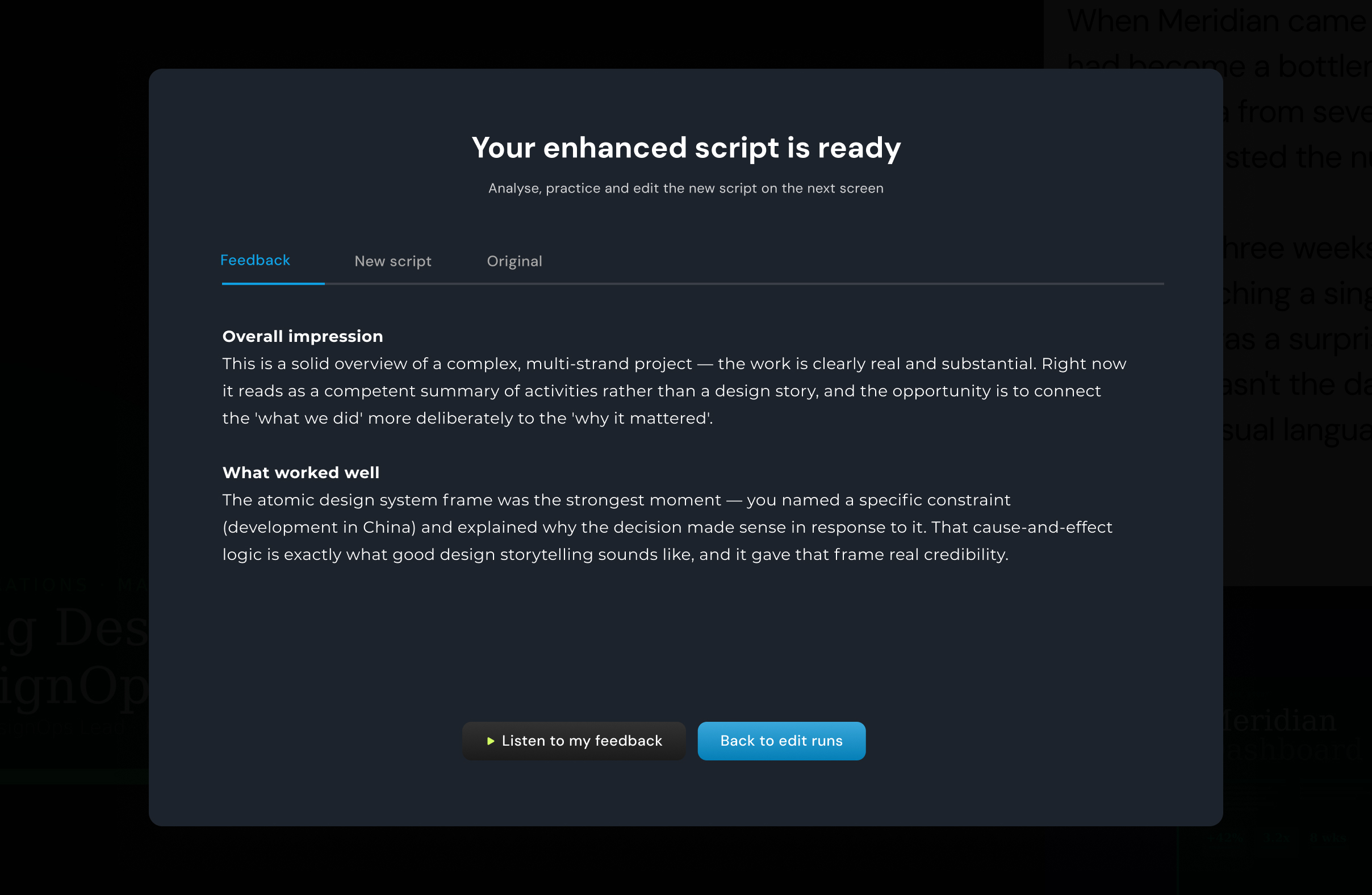
3. Get your script and feedback
Receive a story-driven script mapped to each frame, plus personalised coaching on how to deliver it better next time.
Get early access.
- 2 free runs per month
- AI re-writes and feedback
- All 6 presentation types
I've always been a better designer than presenter. Worried Presenter is the first tool that actually helped me close that gap.
UX Designer, LondonThe feedback was uncomfortably accurate. In the best way.
Senior Product DesignerI used it before a pitch and got the project. Enough said.
Freelance DesignerCommon questions
Your work deserves
to be heard properly.
You've put the hours in. Don't let nerves or unclear language get in the way. Worried Presenter gives you the words — and the confidence to say them.